-
Click on your domain name under Domains and Products

-
Choose the Domain & DNS option
-
Click DNS Configuration
-
Look under DNS List to see if you see a record like this:
www.yoursite.com(with the www)If
www.yoursite.comexists, choose Delete on that record. -
Look for a record with
Type: Afor your domain (likeyoursite.comand choose Delete
-
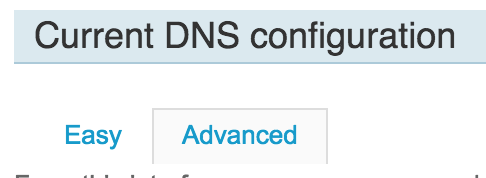
Click Click Advanced under Current DNS Configuration
-
Choose Add Record at the bottom
-
Create a new record with this information:

Type | Value — | Name |
www.yoursite.comType |CNAMEValue |hosting.foliohd.comBe sure to replace the URL with your site address.
-
Create another new record with this information:
Type | Value — | Name |
yoursite.comType |AValue |52.5.50.145
Then choose Save
-
You can now finish the setup on FolioHD. Follow these instructions to finish your domain’s setup on FolioHD.
Questions?
Ask us anything and we'll do our best to answer here. (Be sure not to include any private information like passwords or credit cards.)